WakeMyMac
Wake, sleep or shut down your Mac on schedule — from the menu bar.
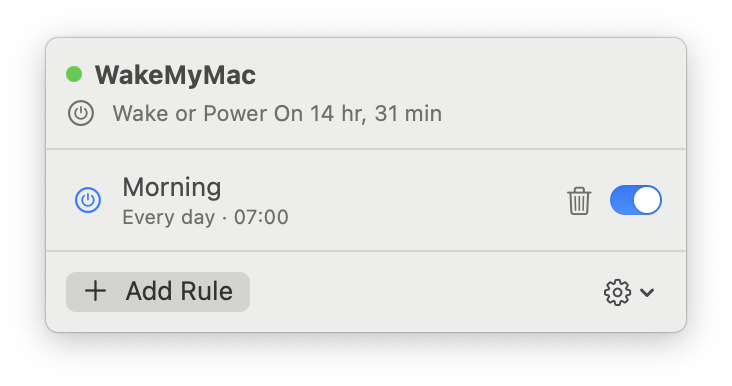
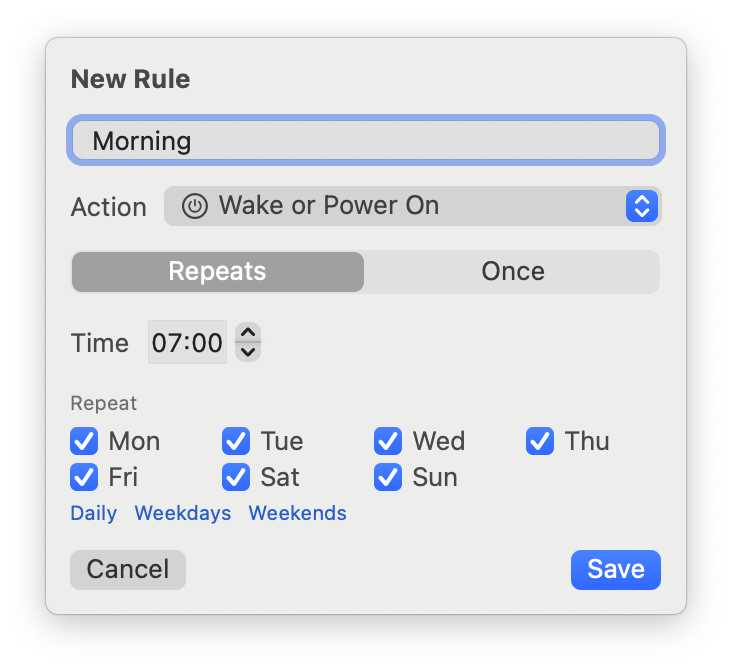
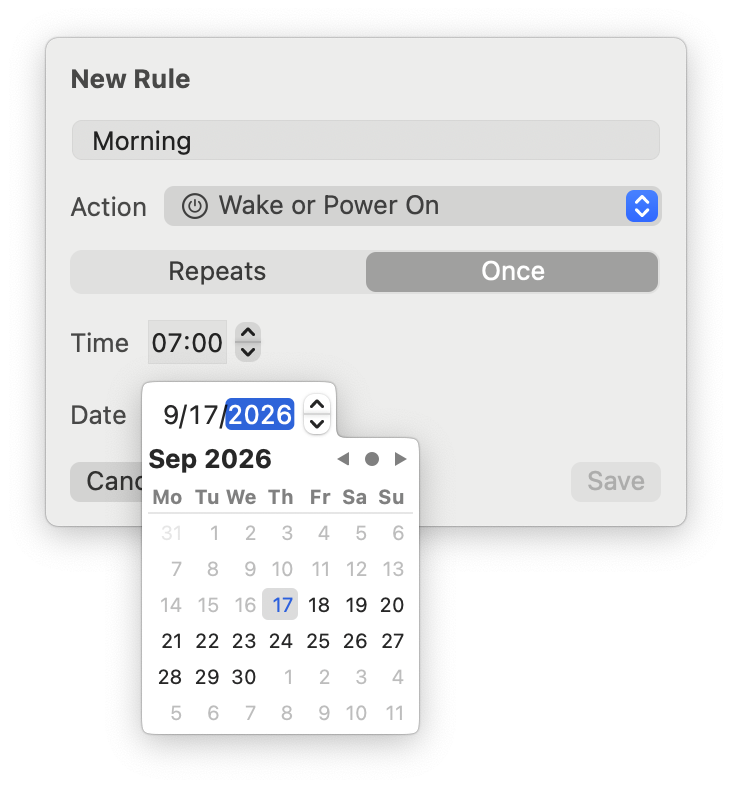
Your Mac should be awake when you sit down to work, and off when you don't need it. macOS used to let you schedule exactly that — then Apple removed the setting.
WakeMyMac brings it back, and lifts the old one-rule limit. Wake for work every weekday morning, sleep at midnight, power on once for an early flight. It sits quietly in the menu bar and keeps to the schedule on its own — even when nobody is logged in.
Install
brew tap muarifer/tap && brew install --cask wakemymac
After launching, click Install in the panel, then approve WakeMyMac in System Settings → General → Login Items. macOS asks once, because waking a sleeping Mac needs system-level permission.
What it does
- Unlimited rules: wake, power on, sleep, shut down or restart
- Repeating rules on any days of the week, or one-time rules on a single date
- Live countdown to the next scheduled event
- Keeps working when nobody is logged in — the schedule survives reboots
- Touches only the events it scheduled itself, so other tools keep working
Good to know
WakeMyMac can shut down and restart your Mac unattended. macOS defers a shutdown when an app has unsaved work, but treat a scheduled shutdown as a real one and save your work. Powering on a closed laptop reliably needs the power adapter.